Customizable Speed & Density
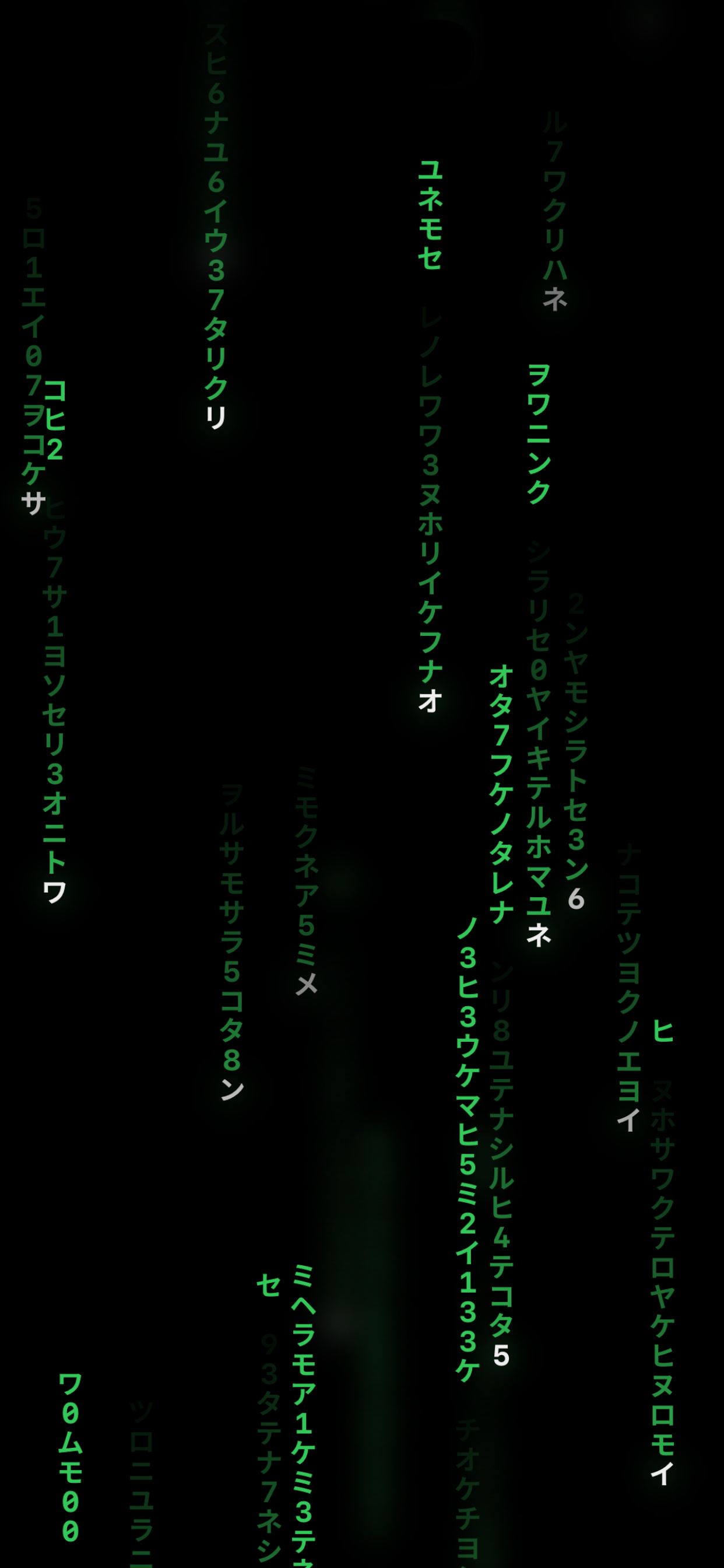
Adjust glyph fall speed and screen density in real-time. Create your perfect cascade.
GlyphRain brings Matrix-style cascading glyphs to your iPhone. Customize speed, density, and blur. Enable reality camera backgrounds for immersive AR-like experiences. Control with parallax motion, zoom, and pan.
Created by vincentgaleano (Vincent Riley Galeano)
Explore more apps by vincentgaleano
Every detail crafted for the ultimate glyph rain experience
Adjust glyph fall speed and screen density in real-time. Create your perfect cascade.
Use your camera as a live background with blurred or clear reality effects for immersive experiences.
Fine-tune the blur effect to create depth and atmosphere in your glyph rain.
Enable parallax motion, zoom gestures, and pan controls for dynamic interaction.
Smooth 60fps animations on all supported devices. Optimized for battery efficiency and responsiveness.
The app collects zero data. No accounts, no tracking. Your experience stays on your device. Read our privacy policy
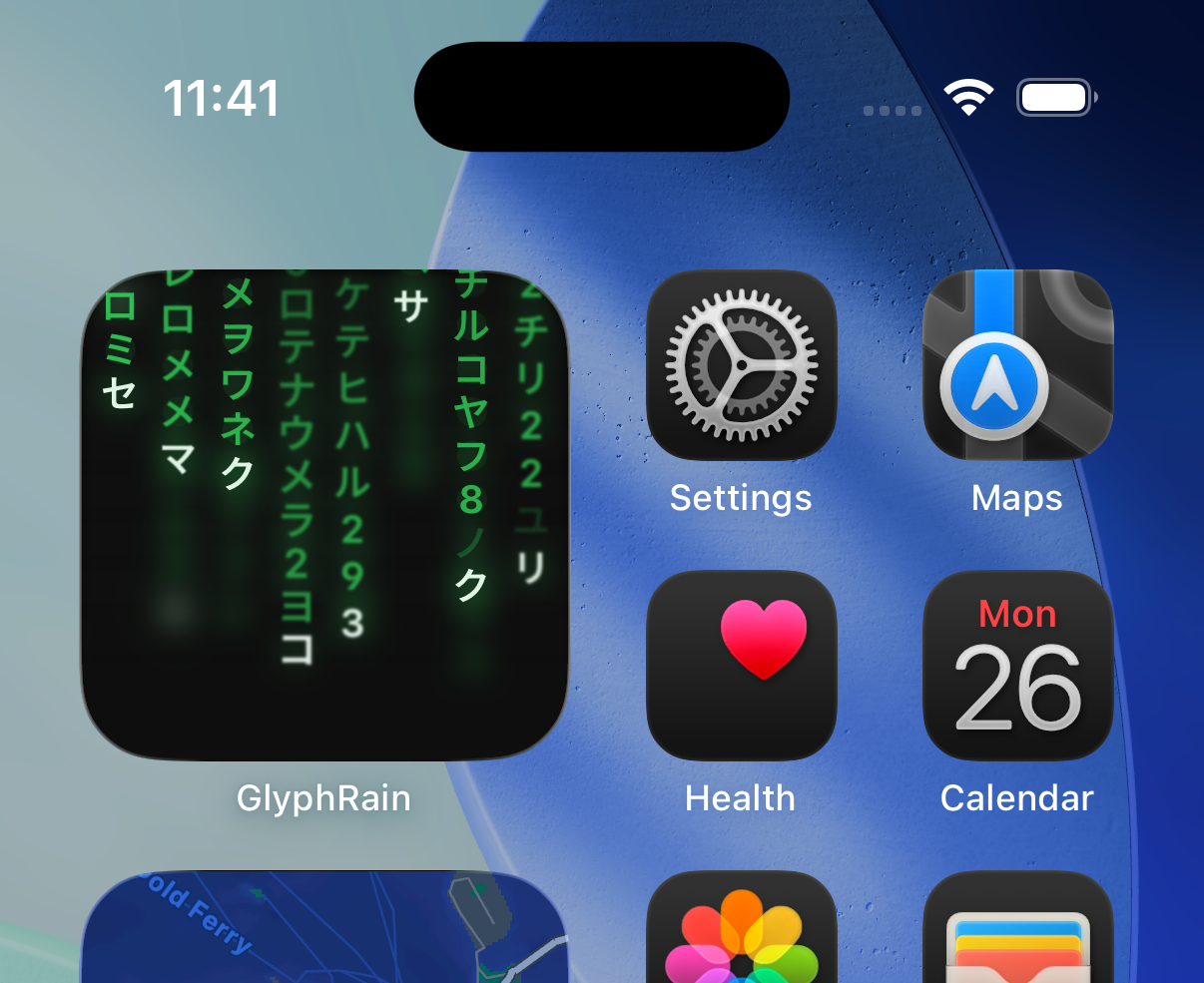
Add GlyphRain to your home screen and lock screen. Quick access to your favorite effects and real-time glyph animations right on your iOS home screen.
Privacy
First & Always
Zero
Data Collection
100%
Local Processing
GlyphRain supports iOS 17 and newer. Reality background features work best on devices with modern camera capabilities.
Camera access is only requested when you enable Reality Background modes. The camera feed is processed entirely on your device in real-time. Nothing is recorded, stored, or transmitted.
GlyphRain collects zero data. No analytics, no tracking, no accounts. All settings are stored locally on your device. See our privacy policy for details.
Yes! GlyphRain offers extensive customization including speed, density, blur intensity, and more. Save your favorite configurations as presets for quick access.
Check the App Store for current pricing. All features are available with your purchase—no subscriptions, no in-app purchases.